
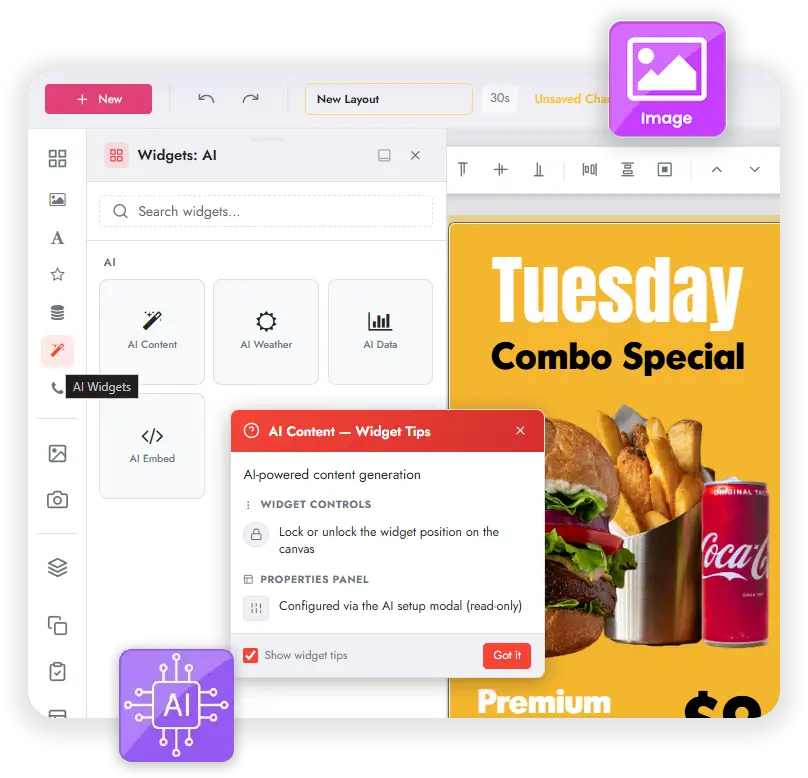
Widgets de IA
Create dynamic content with AI.
The Layout Designer's widget panel adds an AI category with four widgets that turn a natural language prompt into complete, ready to display content. From welcome screens and promotions to weather, data, and embeds, you build engaging digital signage faster than ever.
Describe what you need
No coding. No manual setup. Tell the AI what you want to show, and it generates the finished content, ready to drop onto your screens.
Four powerful Widgets de IA
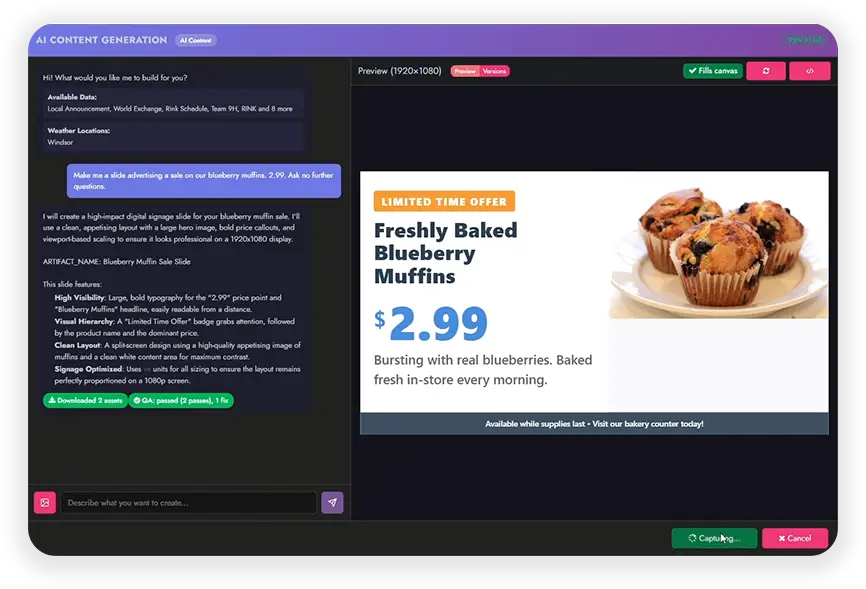
One shared AI Content Generation interface, four widgets. Each one turns a prompt into finished signage content.
AI Content
Generate a complete layout from a prompt: welcome screens, promotions, info pages, and branded announcements.

AI Weather
Generate custom weather displays from a prompt, using your configured weather locations.

AI Data
Generate data visualizations from your connected datasets, from charts and lists to full dashboards.
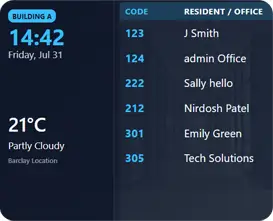
AI Embed
Generate embedded content from a prompt, from web embeds and social feeds to iframes and custom code.

From prompt to publish.
Describe your idea in plain English and watch AI generate professional digital signage content in seconds.
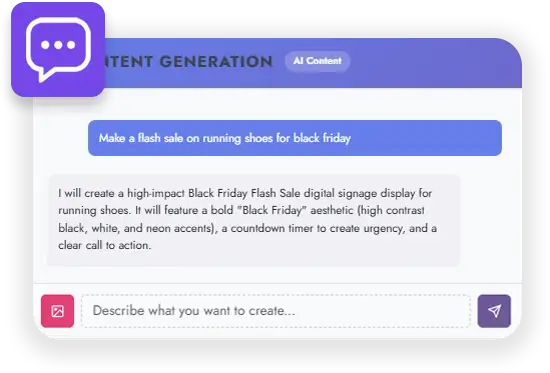
Describe
Tell AI what you want to display.
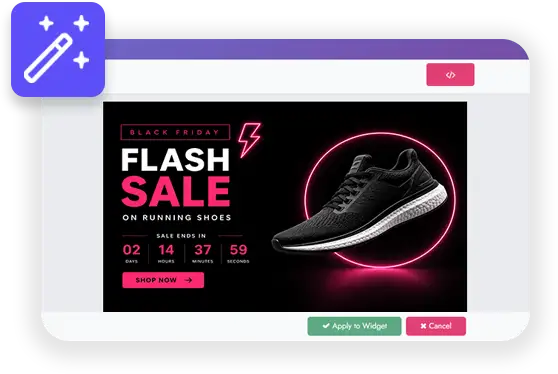
AI Generates
AI creates your content instantly.

Preview
Review and customize the result.
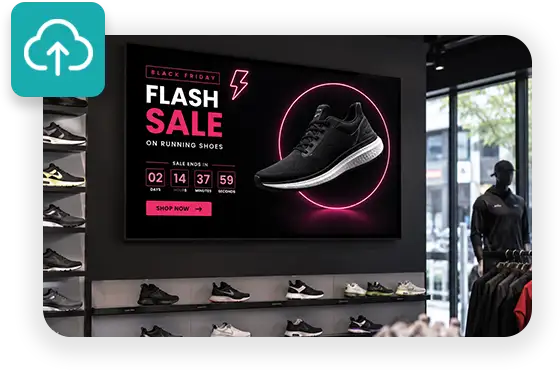
Publish
Publish to your screens with one click.
Curious Minds Want to Know:
What are AI Widgets?
AI Widgets are a new category in the Layout Designer's widget panel. Four widgets, AI Content, AI Weather, AI Data, and AI Embed, generate complete signage content from a natural language prompt, all through one shared AI Content Generation interface.
Does the widget just make a widget, or the actual content?
The widget is the tool. What it produces is the finished content itself: a full layout, a weather page, a chart or dashboard, or an embed, all ready to display. You describe what you want, and the widget builds the signage content for you.
Can the AI use my own data and locations?
Yes. The interface is data aware. On first open it lists your connected datasets (Google Sheets, Excel, SFTP, CSV) and your configured weather locations, so the AI can pull from them right away with no extra setup.
What if the first result is not quite right?
Generated content runs through automatic QA passes that verify and fix issues before applying, and every version is saved under a Versions tab. The AI also asks clarifying questions when it needs them, offers a one click sizing mode that fills the canvas, and includes an HTML code view for advanced users who want to fine tune the output.
Who can use AI Widgets?
The AI Widget family is available to every user and is governed by your per user AI permissions, so administrators stay in control of who can generate content with AI.
Does it cost extra to use?
AI Widget usage counts against your AI allowance, or against your own API key if you choose to bring your own. There is nothing extra to install; the widgets appear right inside the Layout Designer.
Ready to build signage content in seconds?
See how AI Widgets turn a simple prompt into finished digital signage. Get started or explore everything MediaTile V9 has to offer.